

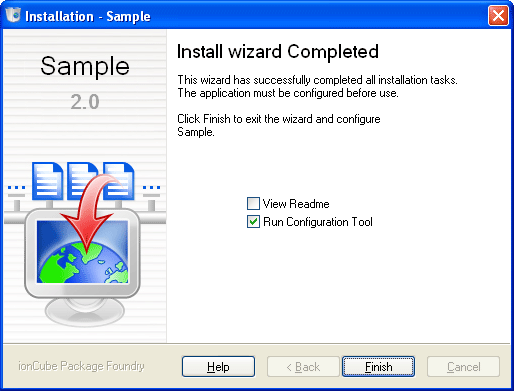
This page is reached once the installation has completed. If the application includes a readme file then you can check the appropriate box to view the file.
Some applications require configuration before use. If that is the case with this application then you will have the option to run a Configuation Tool after clicking the Finish button. If you choose not to run the configuration tool at this time, then you can run it by relauching the installer, and choosing the Configure option on the Start page.
|
Copyright 2002-2024 ionCube Ltd. All rights reserved. Installer created with the ionCube Package Foundry |